What’s new
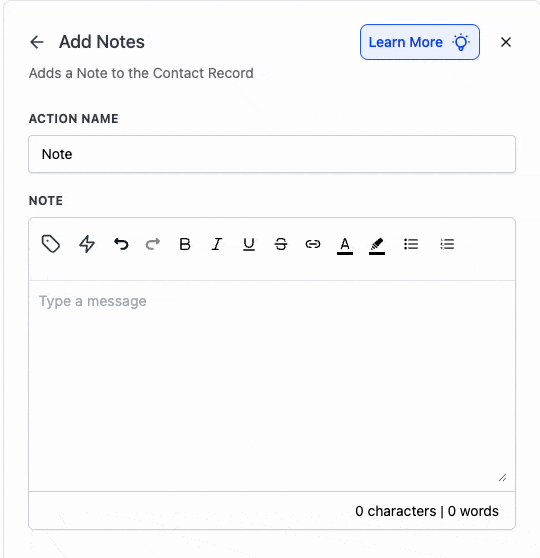
The Add to Notes action now supports Rich Text Editing - so you can format notes with bold, italics, underline, strikethrough, lists, and links for clearer, more scannable notes.
How it works
- Open Add to Notes.
- Type your message and use the toolbar to apply formatting (bold/italic/underline/strikethrough, bullets/numbering, links).
- Save - your formatted note is stored and visible anywhere notes appear.
Why it matters
Teams can highlight key details, create checklists for follow-ups, and link supporting docs - making notes easily scannable.
Preview
Was this article helpful?
That’s Great!
Thank you for your feedback
Sorry! We couldn't be helpful
Thank you for your feedback
Feedback sent
We appreciate your effort and will try to fix the article